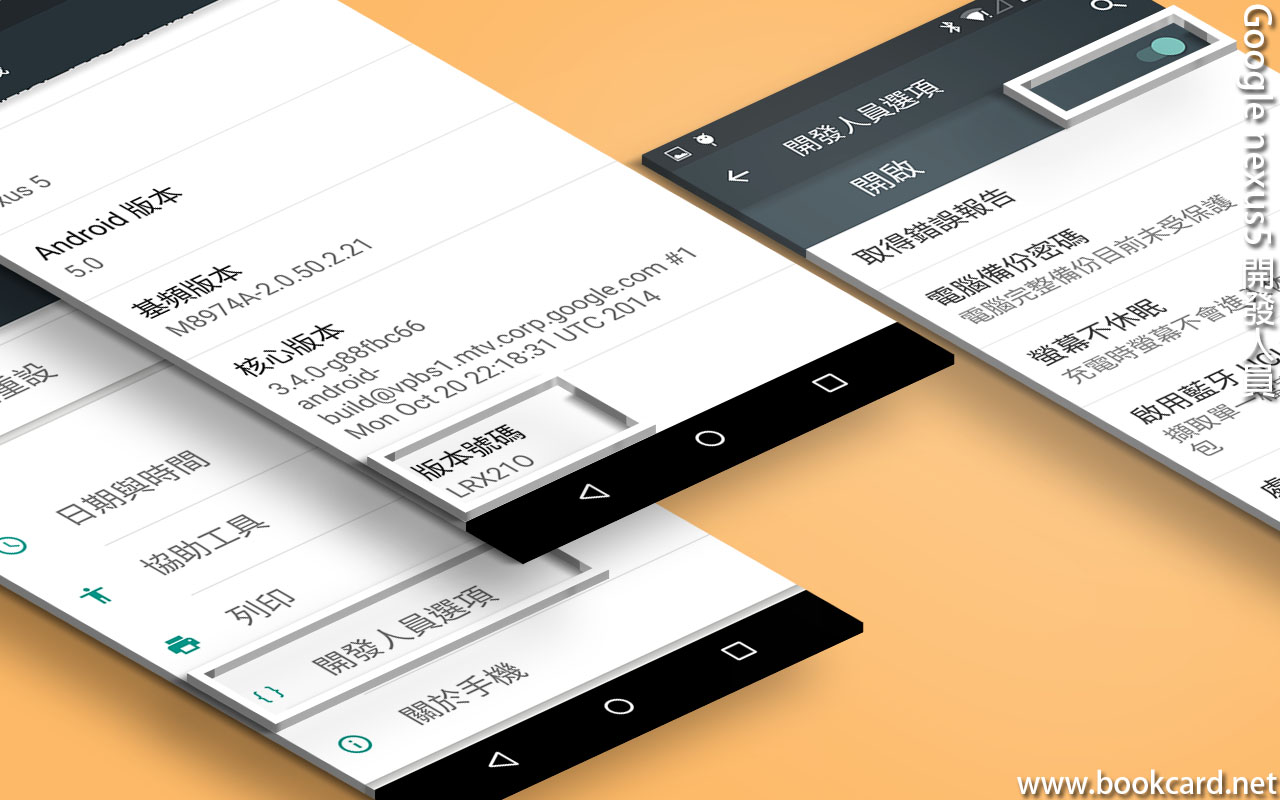
Google nexus5 開發人員 月和經倫 5 年 ago Google nexus5 開發人員 買Google nexus5蒞開發 激活『開發人員』 撳『設定』 撳『關於手機』 連撳『版本號碼』 開啟『開發人員』 撳『設定』 撳『開發人員選項』 撳『開啟』 勾『USB偵錯』 勾『透過USB驗證應用程式』