
WordPress-外掛Site Kit

WordPress-外掛Site Kit

WordPress-外掛Site Kit

WordPress-外掛Site Kit

WordPress-外掛Site Kit

WordPress-外掛Site Kit

WordPress-外掛Site Kit
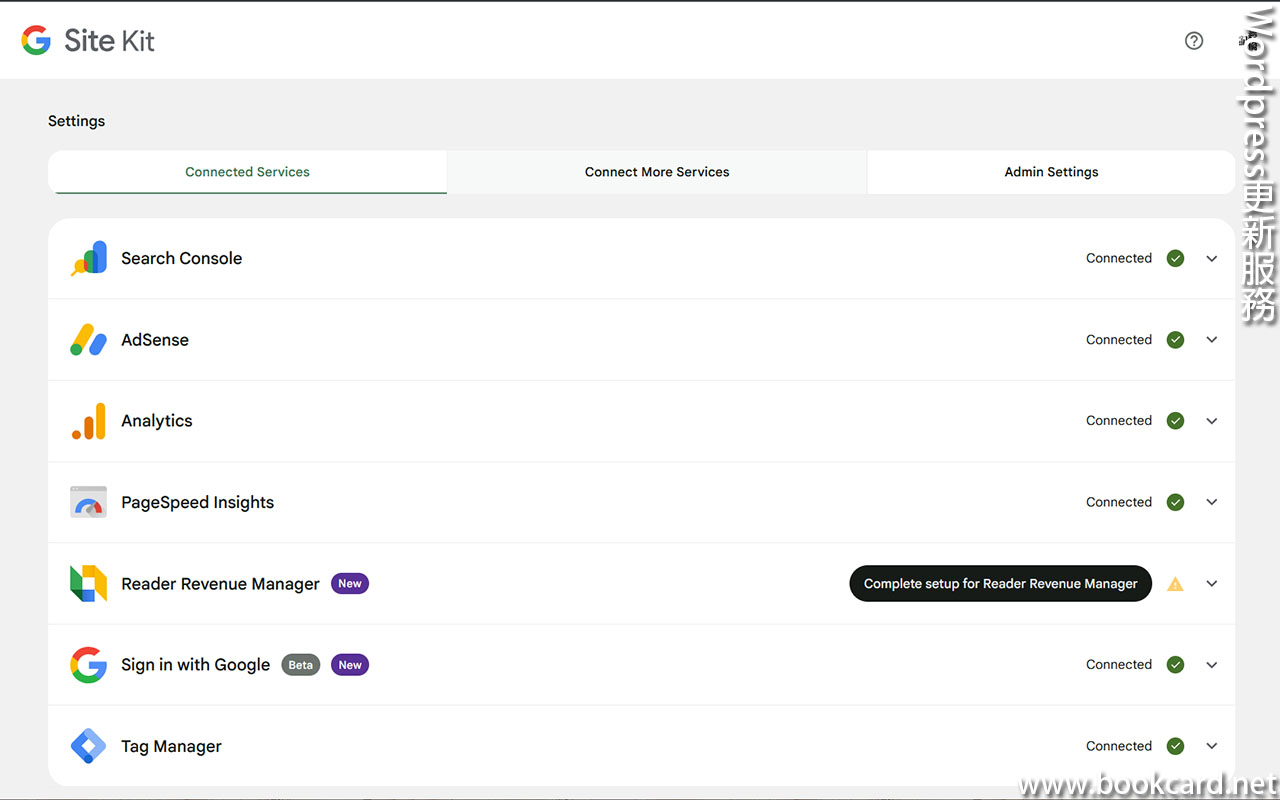
『Google』以網頁搜尋起家, 帮『Wordpress』做『Site Kit』外掛. 整合多個google服務,壹個頂捌個. 吾係冇『分享按鈕』早就刪味味收銀『Jetpack』.
| 整合 | |
| Analytics | 跨平台流量數據收集 |
| Search Console | 站長工具瞭解網站運行情況 |
| AdSense | 擺放廣告 |
| PageSpeed Insights | 性能優化 |
| Reader Revenue Manager | 內容提供商 |
| Sign in with Google | 使用 Google 帳戶登入 |
| Tag Manager | |
| Ads | 投放廣告 |
以『Analytics』為例
- 登入Wordpress後台.
- 係左側撳『外掛』->『Add plugin』
- 搜尋外掛『Site Kit』稳到『Site Kit by Google – Analytics, Search Console, AdSense, Speed』
- 撳『Install Now』立即安裝
- 係左側撳『外掛』->『Site Kit by Google』->撳『Activate』啟用
- 係左側撳『Site Kit』
- 勾『Connect Google Analytics as part of your setup』(設定時連結 Google Analytics) 核取方塊.
- 撳『Sign in with Google』. 使用 Google 帳戶登入
- 撳拥有 Google Analytics 資源 Google 帳戶.
- 撳『Proceed繼續』驗證網站擁有權.
- 撳『Allow允許』授予 Google 帳戶資料存取權.
- 撳『Add site新增網站』將網站加入 Search Console.
- 撳『Setup Google Analytics』(設定 Google Analytics)
- 撳『Analytics 資源』然後點選『Complete Setup』(完成設定).
No Responses