
Stable Diffusion外網訪問–share
Stable_Diffusion_share
Stable Diffusion外網訪問–share
之前利用『–listen』係內網訪問『Stable Diffusion』電腦,利用『–share』係外網訪問『Stable Diffusion』.
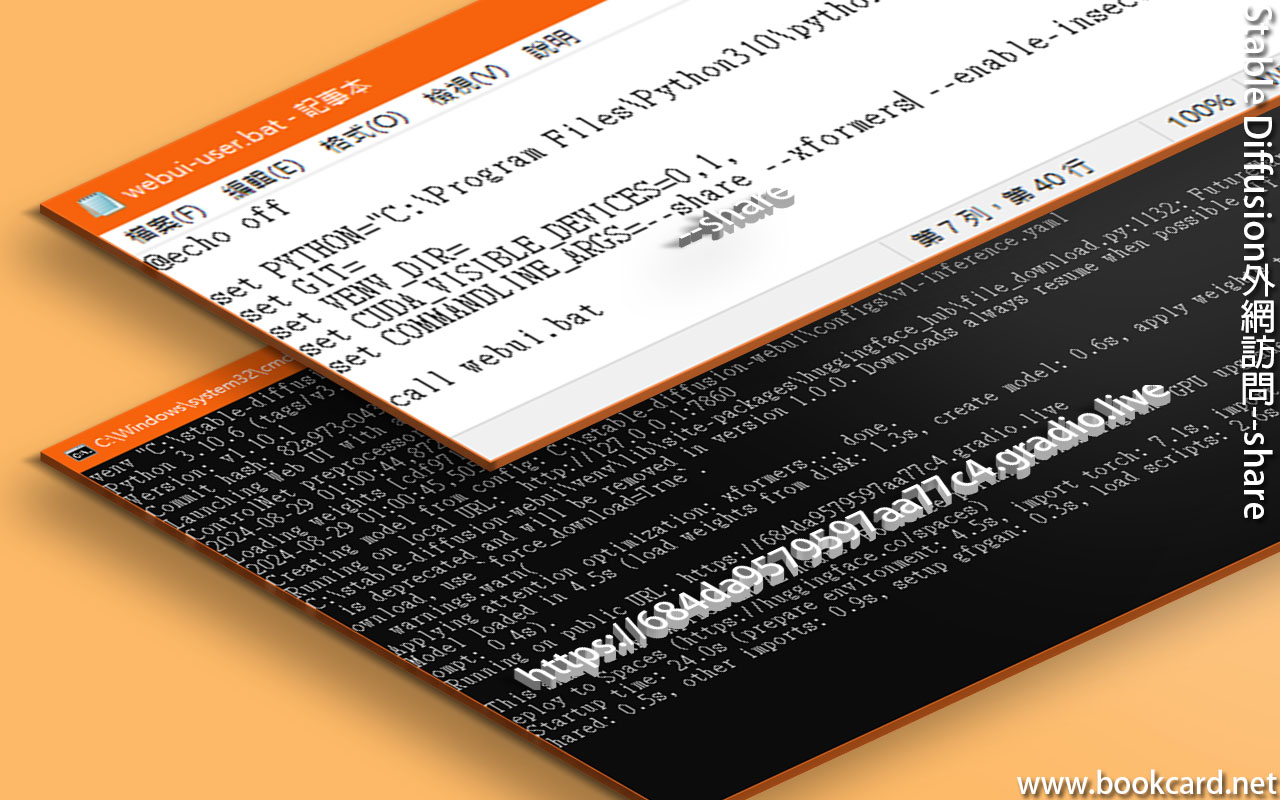
- 編缉『webui-user.bat』
| C:\stable-diffusion-webui\webui-user.bat |
- 對『bat』添加『– share』参數.
| set COMMANDLINE_ARGS=–share |
- 下載『frpc_windows_amd64.exe』.
- 重命名為『frpc_windows_amd64_v0.2』,冇擴展名.
- 复制到『gradio』資料夾
| C:\stable-diffusion-webui\venv\lib\site-packages\gradio |
- 得到『https://684da9579597aa77c4.gradio.live』 此鏈接在72小時後過期
| 1. Download this file: https://cdn-media.huggingface.co/frpc-gradio-0.2/frpc_windows_amd64.exe |
| 2. Rename the downloaded file to: frpc_windows_amd64_v0.2 |
| 3. Move the file to this location: C:\stable-diffusion-webui\venv\lib\site-packages\gradio |
| This share link expires in 72 hours. For free permanent hosting and GPU upgrades, run `gradio deploy` from Terminal to deploy to Spaces (https://huggingface.co/spaces) |
No Responses