
- 下載幷安裝WP phpMyAdmin
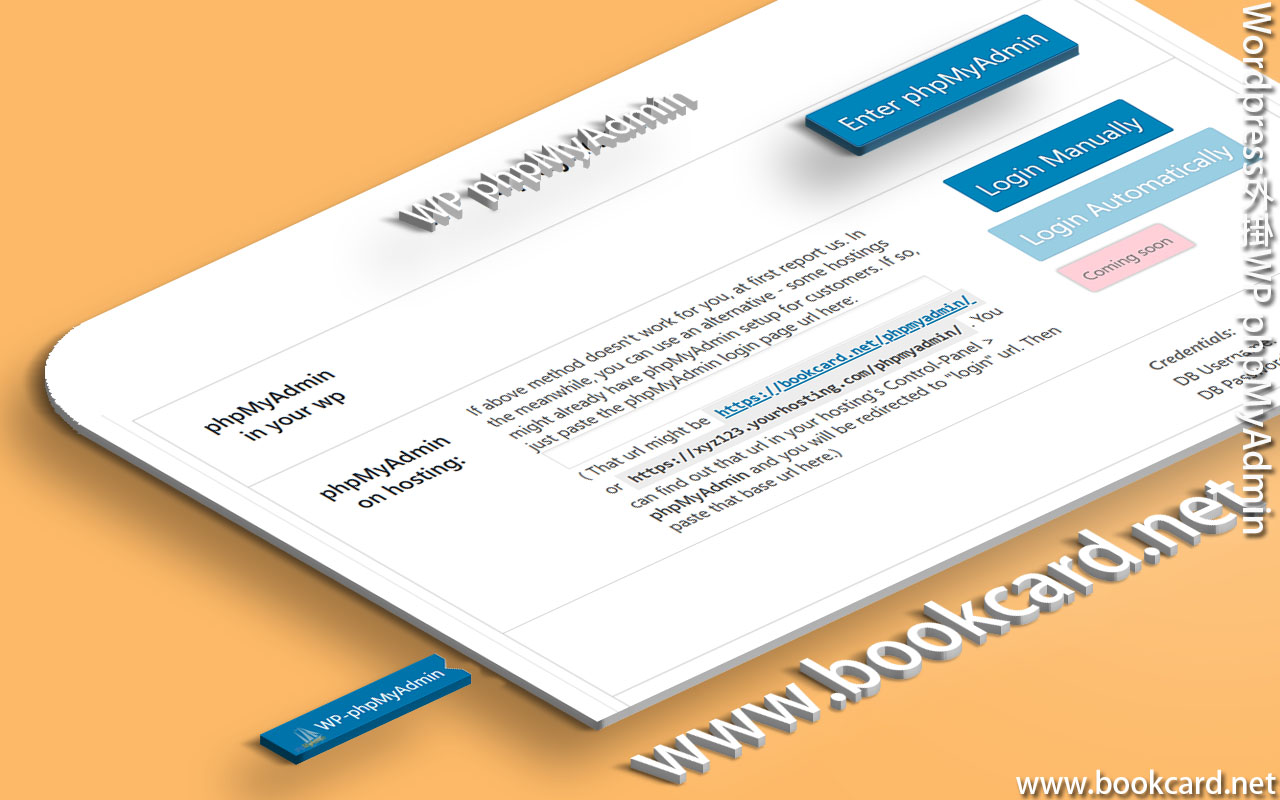
- 登入Wordpress->控制台->WP-phpMyAdmin->Enter phpMyAdmin
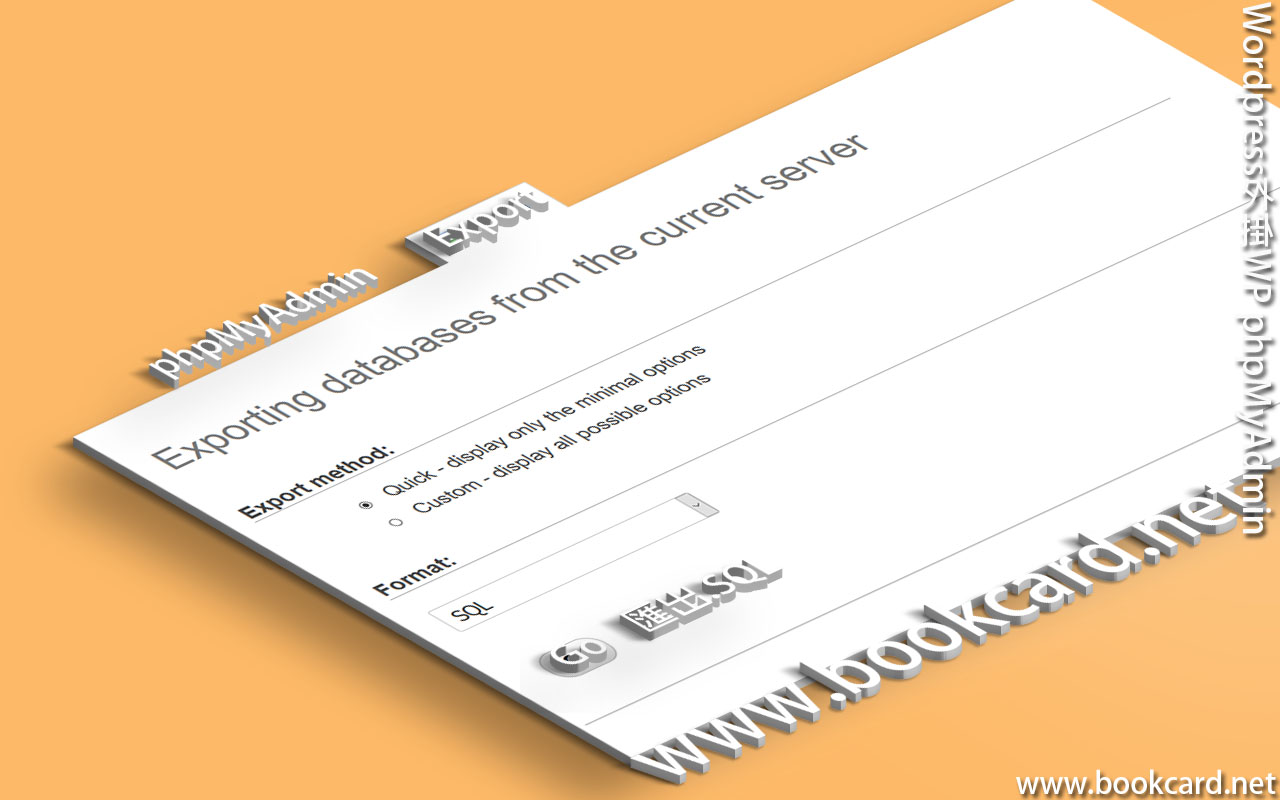
- 登入phpMyAdmin->Export
| structure and data | 勾選激活『結構與數據』 |
| Format | 選擇SQL |
| Database | 按Select all選則所有『資料庫』 |
- 按Go執行『匯出』保存為『.SQL』

| structure and data | 勾選激活『結構與數據』 |
| Format | 選擇SQL |
| Database | 按Select all選則所有『資料庫』 |
No Responses